
Explore material options quickly
Try wood, fabric, metal, ceramic, worn paint, branded colorways, and mood-driven finishes from plain-language prompts.
Design Workflow
Use AI texture generation to explore surface ideas for product visualization, concept art, archviz, and presentation-ready 3D design work.
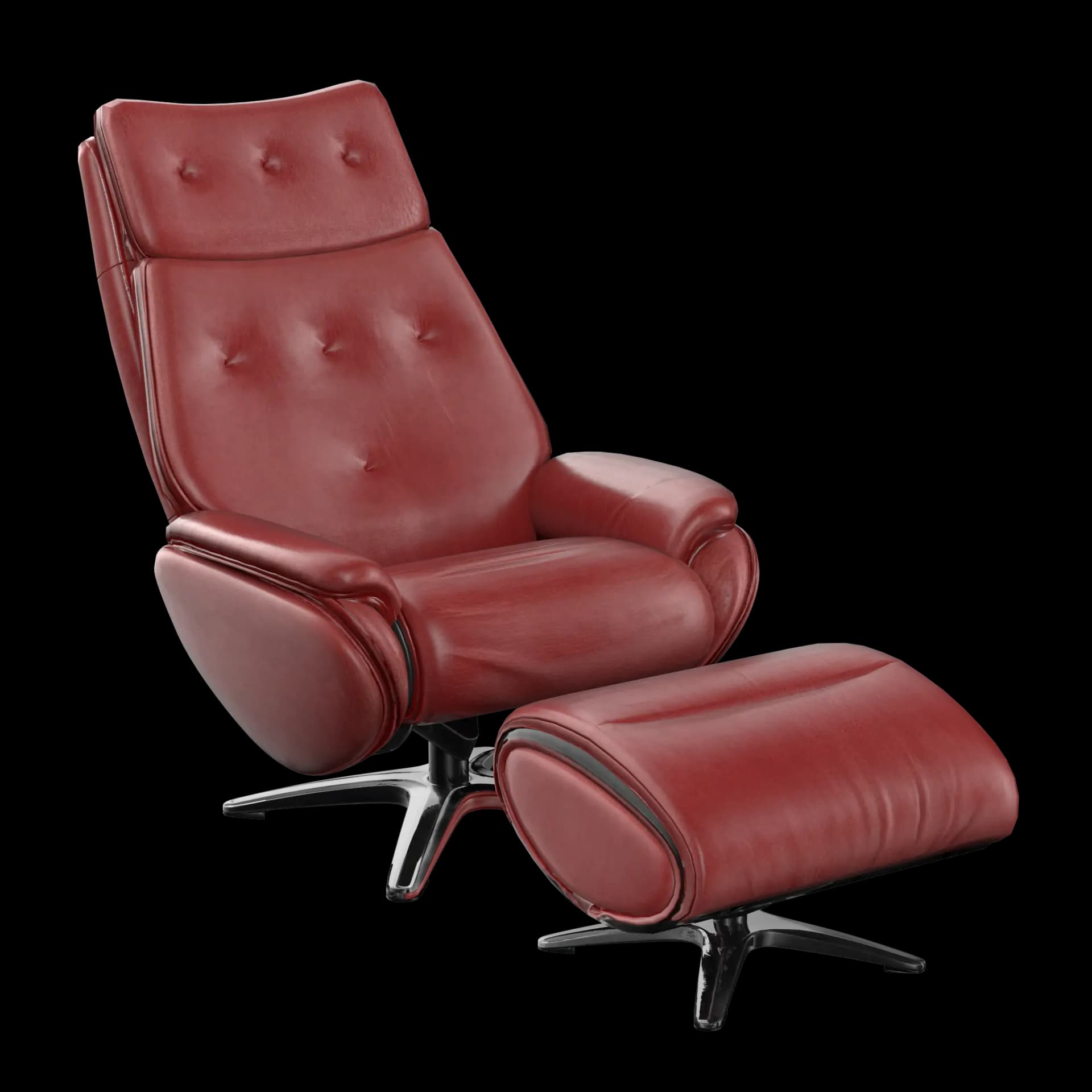
Try wood, fabric, metal, ceramic, worn paint, branded colorways, and mood-driven finishes from plain-language prompts.
Texture early models so form, lighting, and material direction can be reviewed together.
Use generated textures as a starting point for refinement in Blender, Substance, or other design tools.
Workflow
Upload the model or object you want to visualize with a new material direction.
Describe finish, color, surface age, reference material, and product context.
Generate options and keep the strongest texture direction for client or team review.
Comparison
Outsourcing material creation or buying stock PBR packs adds cost and revision cycles every time a client changes direction. TextureFast lets designers explore photoreal wood, stone, metal, and fabric finishes on their own UV-mapped models in minutes — producing downloadable PNG maps you can plug straight into Blender or your renderer without waiting on external vendors.
How-to guide
Designers use TextureFast when a 3D model exists but the material story is still open — client pitches, concept reviews, and archviz look development all benefit from fast surface iteration.
Use GLB or OBJ with UVs from your CAD export, Blender blockout, or visualization mesh. The model stays in your browser during preview.
Describe finish, brand palette, environment context, and age — e.g. brushed aluminum product housing with soft studio lighting wear.
Generate multiple Base Color directions, then extract PBR maps for the option that best sells the design internally or to clients.
Download PNG maps and continue refinement in Blender, Substance, or your renderer. Pair with the ArchViz persona page for presentation workflows.
Use Cases
FAQ
Yes. The workflow is useful for any UV-unwrapped 3D model where fast material exploration helps decision-making.
TextureFast is designed for production-minded workflows, but you should review the current plan terms and asset requirements for your use case.
Product visualization, furniture concepts, archviz look development, pitch decks, and presentation renders — anywhere a UV-mapped 3D model needs fast material iteration.
PNG PBR maps drop into Blender Cycles, V-Ray, Corona, 3ds Max, and most real-time viz pipelines without custom conversion.
Yes. Because each material direction is prompt-driven, you can generate a new wood, stone, or metal finish in minutes instead of re-sourcing assets or re-shooting references.
You can upload a reference image alongside your prompt so TextureFast expands the material description — useful when a client sends a swatch or product photo.
TextureFast states that uploaded geometry and prompts are not used for model training and generation stays private — important for agency and archviz NDA work.
Open the current TextureFast workflow, generate a few directions, then keep the output that best matches your production target.